How to Govern Claude Cowork: Org Settings, MDM, and OpenTelemetry in Four Layers
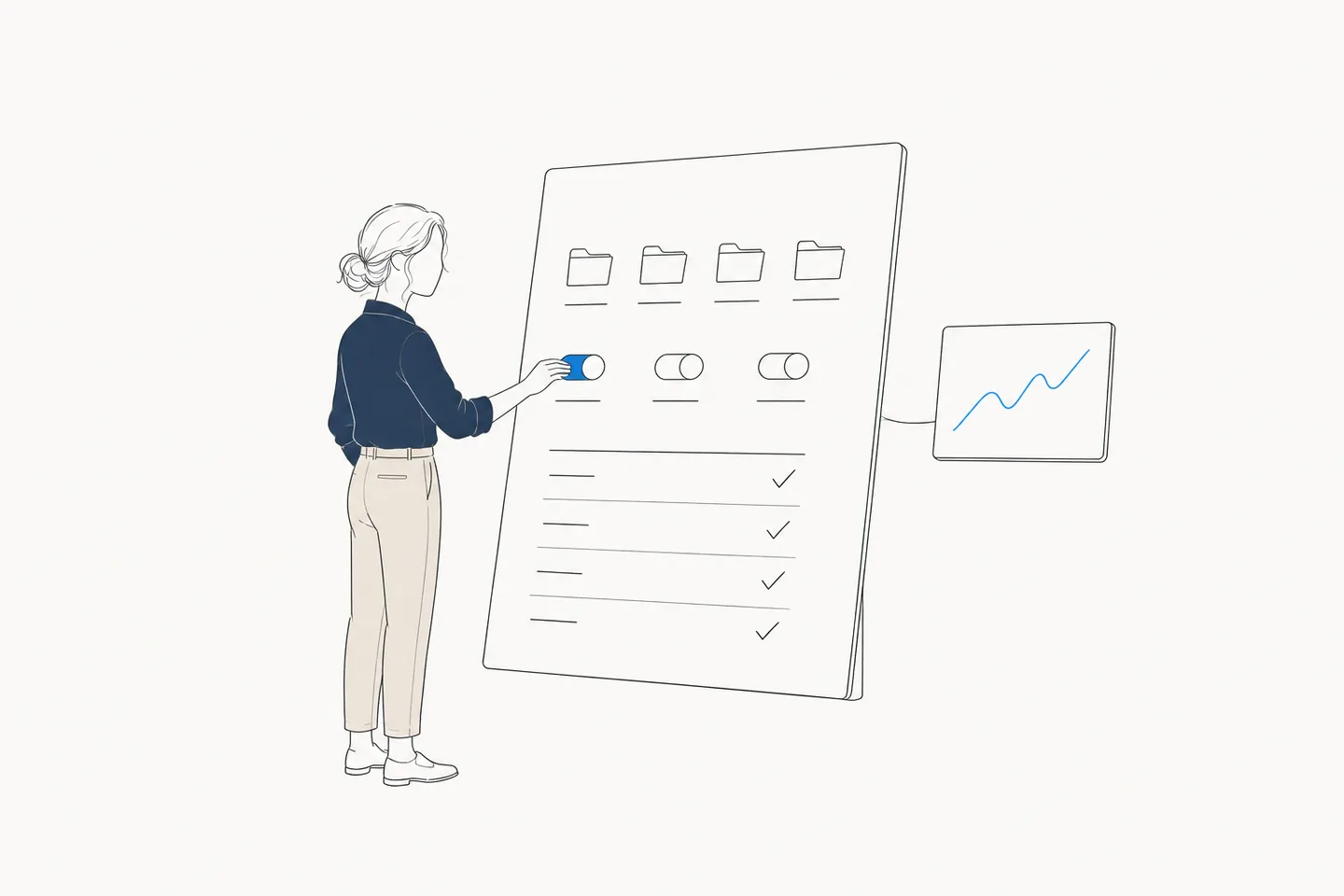
Claude Cowork mounts folders, reads and writes files, and drives connectors (MCP) and skills. Unlike Chat, which reads and answers, Cowork acts on your organization's data. So the question for admins isn't whether to allow it — it's how to govern it. This post breaks Cowork governance into four layers — organization settings, device (MDM), cost, and monitoring — down to the exact setting names, verified against official documentation as of August 2026.
Contents
- First, the premise: two session types decide everything
- Layer 1: Organization settings — who, which sessions, and what approvals
- Layer 2: MDM — draw the device-side boundary
- Layer 3: Cost — spend limits and usage analytics
- Layer 4: Monitoring — Compliance API vs. OpenTelemetry
- Setting up OpenTelemetry for Cowork
- Rollout order — govern first, then deploy
First, the premise: two session types decide everything
Cowork reached general availability on all paid plans on April 9, 2026, alongside a set of enterprise controls: groups, custom roles, spend limits, usage analytics, and OpenTelemetry. Before any of that, there is one premise to internalize. Cowork has two session types that execute in different places, and that distinction determines where history is stored, which audit channel applies, and what your security tooling can see.
| Local sessions (desktop) | Cloud sessions (web and mobile) | |
|---|---|---|
| Where it runs | Agent loop on the device; code execution in an isolated VM (macOS: Apple Virtualization.framework / Windows: Hyper-V) | A temporary sandbox on Anthropic-managed infrastructure, created and destroyed per session |
| Conversation history | Stored locally on the device. Not subject to standard data-retention policies; admins cannot centrally manage or export it | Saved to the member's Claude account on Anthropic servers, under the same commercial terms as other Team/Enterprise data |
| Network boundary | Application-layer permission enforcement plus VM-level filtering; your organization's egress settings apply | No access to your network by default; all traffic passes through a mandatory proxy, allow-listed destinations only |
| Compliance API | Not covered | Covered — sessions land in the same audit trail as Chat |
| OpenTelemetry | Covered | Covered |
The practical takeaway: if your organization uses Cowork primarily through the desktop app, nothing is recorded on the organization's side unless you configure telemetry. With that premise set, here are the four layers.
Layer 1: Organization settings — who, which sessions, and what approvals
Organization-side controls live under Organization settings > Cowork in the admin console. The top-level switch is "Enable for your organization." How fine-grained you can get below that depends on the plan.
- Team — all-or-nothing. The toggle applies to every member; there is no per-team carve-out.
- Enterprise — organize users into groups (manually or synced via SCIM from your identity provider), then use custom roles to enable Cowork for specific teams only.
Cloud sessions (the "Run Cowork in the cloud" toggle) have opposite defaults per plan: on Team it is on by default (owners can disable it anytime); on Enterprise it is off by default, and owners must enable it and then grant the capability through custom roles. If an Enterprise user reports that Cowork doesn't work from the web, check this default first.
Next, approval policy. The "Allow 'Always allow' for connector tools" toggle under Organization settings > Cowork > Permissions decides, org-wide, whether members may skip per-task approval for write-capable connector tools. Turn it off and every write action requires an explicit approval, every time. Read-only tools bypass approval only when the connector explicitly annotates them as read-only. On top of that, Enterprise admin controls include per-tool connector restrictions — for example, disabling write operations within a connector organization-wide while leaving reads available.
- Plugins — owners create plugin marketplaces and control distribution through four levels: "Installed by default," "Available," "Required," and "Not available." On Enterprise this can be customized per group.
- Network access — the Code execution settings under Organization settings > Capabilities control which external destinations sessions can reach. Changes apply to new sessions only, and the web fetch / web search tools are exempt from these egress rules.
| Control | Team | Enterprise |
|---|---|---|
| Org-wide enable/disable | Yes | Yes |
| Per-group enablement via custom roles (SCIM) | — | Yes |
| Cloud sessions default | On by default (can disable) | Off by default (grant via roles) |
| Ban "Always allow" for connector tools | Yes | Yes |
| Plugin distribution control | Yes (org-wide) | Yes (per group) |
| Group spend limits | — | Yes |
| Compliance API (cloud sessions) | — | Yes |
| OpenTelemetry monitoring | Yes | Yes |
| MDM device policies | Yes | Yes |
Layer 2: MDM — draw the device-side boundary
Organization settings govern what happens after sign-in. The device-side boundary comes from Claude Desktop's managed policies, available to Team and Enterprise admins. On macOS, deploy configuration profiles under the domain com.anthropic.claudefordesktop (Jamf Pro, Kandji, Intune). On Windows, deploy via Group Policy or Intune to machine-level (HKLM) or per-user (HKCU) registry paths — machine-level wins.
| Key | Type / default | What it controls |
|---|---|---|
secureVmFeaturesEnabled | Boolean / true | Cowork (VM execution) itself. The kill switch for Cowork on a given device |
allowedWorkspaceFolders | string[] / unrestricted | Which folders Cowork may mount — the path-level boundary around "data Cowork may touch" |
forceLoginOrgUUID | string or array / null | Force login to specific organization accounts; blocks personal-account use on corporate devices |
isLocalDevMcpEnabled | Boolean / true | Locally configured MCP servers, including plugin-bundled ones |
isDesktopExtensionEnabled | Boolean / true | Desktop extensions (MCPB / DXT extension servers) |
isClaudeCodeForDesktopEnabled | Boolean / true | Claude Code inside the desktop app |
disableAutoUpdates / autoUpdaterEnforcementHours | Boolean / false · integer / 72 | Disable auto-updates; hours (1–72) before a forced restart for updates |
The two keys to deploy first are forceLoginOrgUUID and allowedWorkspaceFolders. The former closes the path where Cowork runs under a personal account your organization can't see; the latter bounds the blast radius of a mistake or a prompt injection to the folders you chose to expose. The MCP and extension keys are a choice of where to govern connectors: per-action approval on the organization side, or a blanket device-side block.
Layer 3: Cost — spend limits and usage analytics
As an agent that drives tools autonomously, Cowork burns tokens less predictably than Chat. The cost lever depends on your plan's billing model. On Enterprise (usage-based), every token is metered, so the backstop is group spend limits set from the admin console — per-team budgets you adjust as adoption grows. On Team, Cowork usage draws from each seat's included allowance, and overage is governed by the org- and member-level limits on usage credits. For choosing between the plans themselves, see our companion post Claude Team vs. Enterprise.
For visibility, there are two official surfaces. The admin dashboard shows Cowork sessions and active users across date ranges, and the Analytics API goes deeper: per-user Cowork activity, skill and connector invocations, and DAU/WAU/MAU, alongside Chat and Claude Code data. Use the Analytics API for scheduled reporting; use telemetry (next section) when you need to see what sessions actually did, in near-real time.
Layer 4: Monitoring — Compliance API vs. OpenTelemetry
There are two official audit channels. First, the Compliance API (Enterprise). Cowork used to be excluded, but web and mobile cloud sessions are now captured in the same audit trail as Chat, with every session attributable to an individual user. SIEM and DLP integrations ride on this channel.
But per the premise above, local desktop sessions are not covered by the Compliance API. Their conversation history lives on the device, outside standard data-retention policies, and cannot be centrally managed or exported. The only official channel for observing local sessions at the organization level is OpenTelemetry.
Setting up OpenTelemetry for Cowork
Cowork's OpenTelemetry export is available on Team and Enterprise plans. Version requirements: Claude Desktop v1.1.4173+ for local sessions, and v1.22209.3+ to capture cloud (web/mobile) sessions. An admin configures it under Organization settings > Cowork, and there are only three fields.
OTLP endpoint:   https://collector.example.com     # your collector URL
OTLP protocol:   HTTP/protobuf                      # or HTTP/JSON (gRPC not supported)
OTLP headers:    Authorization=Bearer <token>       # auth headers, encrypted at rest
Two properties matter. First, no data flows by default — events are exported only after an admin configures an endpoint. Second, what flows is not just metrics; it is the substance of each session.
- Full text of user prompts
- Tool and MCP invocations — server name, tool name, parameters, success or failure, execution time
- File access — paths read or modified
- Skills and plugins invoked
- Approval decisions — approved by the user, rejected, or executed automatically under an existing permission
- Per-request model, token counts, estimated cost, duration, and errors
Events share a prompt.id attribute, so everything triggered by one instruction can be reconstructed as a single trail, and attributes include the user's email address for attribution. The stream feeds standard SIEM pipelines (Splunk, Cribl, and the like) and runs in parallel with the Compliance API, joined on user identifiers.
Rollout order — govern first, then deploy
Here is the four-layer model turned into a deployment sequence. The one non-obvious rule: turn on observability (OpenTelemetry) before you roll Cowork out. Telemetry records only from the moment it is configured — add it later and the early-adoption data you most wanted is gone for good.
- Decide the policy — who gets Cowork (on Enterprise, start with group design), whether cloud sessions are allowed, and whether "Always allow" is acceptable for write-capable tools.
- Deploy MDM first — force organization accounts with
forceLoginOrgUUID, bound mountable folders withallowedWorkspaceFolders, and setsecureVmFeaturesEnabledto false on device groups that shouldn't have Cowork at all. - Configure OpenTelemetry — enter the endpoint, protocol, and auth headers under Organization settings > Cowork, and confirm events arrive using a test user.
- Enable in organization settings — org-wide on Team; pilot group first on Enterprise. Verify the cloud-sessions default (Team: on / Enterprise: off) matches your intent.
- Start with strict approvals — disallow "Always allow" and require per-task approval at first; loosen once the workflow proves itself. Going the other direction is much harder to sell.
- Watch spend and usage — usage distribution via the dashboard and Analytics API, execution detail and cost via telemetry; adjust group spend limits and scope as you learn.
If you already govern Claude Code with telemetry, step 3 is just reusing the destination. If not, our companion post on Claude Code cost governance walks through that implementation.
FAQ
How much of this can I do on a Team plan?
Quite a lot. Org-wide enable/disable, disabling cloud sessions, banning "Always allow" for connector tools, full MDM device policies (killing Cowork per device, folder restrictions, forced org login), and OpenTelemetry monitoring all work on Team. Enterprise becomes necessary when you need per-group enablement via custom roles, group spend limits, or the Compliance API audit trail for cloud sessions.
Can I reuse my Claude Code OTel environment-variable setup for Cowork?
Not the configuration method. Cowork telemetry is set centrally by an admin under Organization settings > Cowork, and environment variables like `OTEL_EXPORTER_OTLP_ENDPOINT` have no effect on it. The destination, however, can be shared: point Cowork's OTLP endpoint and auth headers at the same collector and both telemetry streams converge in one pipeline. Note that only HTTP/JSON and HTTP/protobuf are supported — no gRPC.
Can EDR or endpoint monitoring tools see what Cowork does?
No. Local sessions execute code inside a VM that is isolated from host-based security tools by design, and cloud sessions run entirely off your endpoints in Anthropic-managed sandboxes. The two official observation channels are the Compliance API (cloud sessions only) and OpenTelemetry (both session types).
How detailed is the OpenTelemetry data, and what about privacy?
It includes full prompt text, tool and MCP parameters, file paths accessed, approval decisions, model and token counts with estimated cost, and the user's email address. Nothing is exported by default — data flows only after an admin configures an endpoint. Mask sensitive values collector-side, and because this granularity amounts to employee monitoring, align with internal policy and notify users before enabling it.
Governance ends with measurement
Aimeterly ingests Claude Code telemetry and turns it into per-user, per-model token consumption and estimated cost. Its ingest endpoint speaks OTLP/HTTP with bearer authentication — the same shape Cowork's OpenTelemetry export expects as a destination. Setting the permissions is not the finish line; verifying actual usage in numbers is.
No credit card required · No config files to edit · 14-day Pro trial included